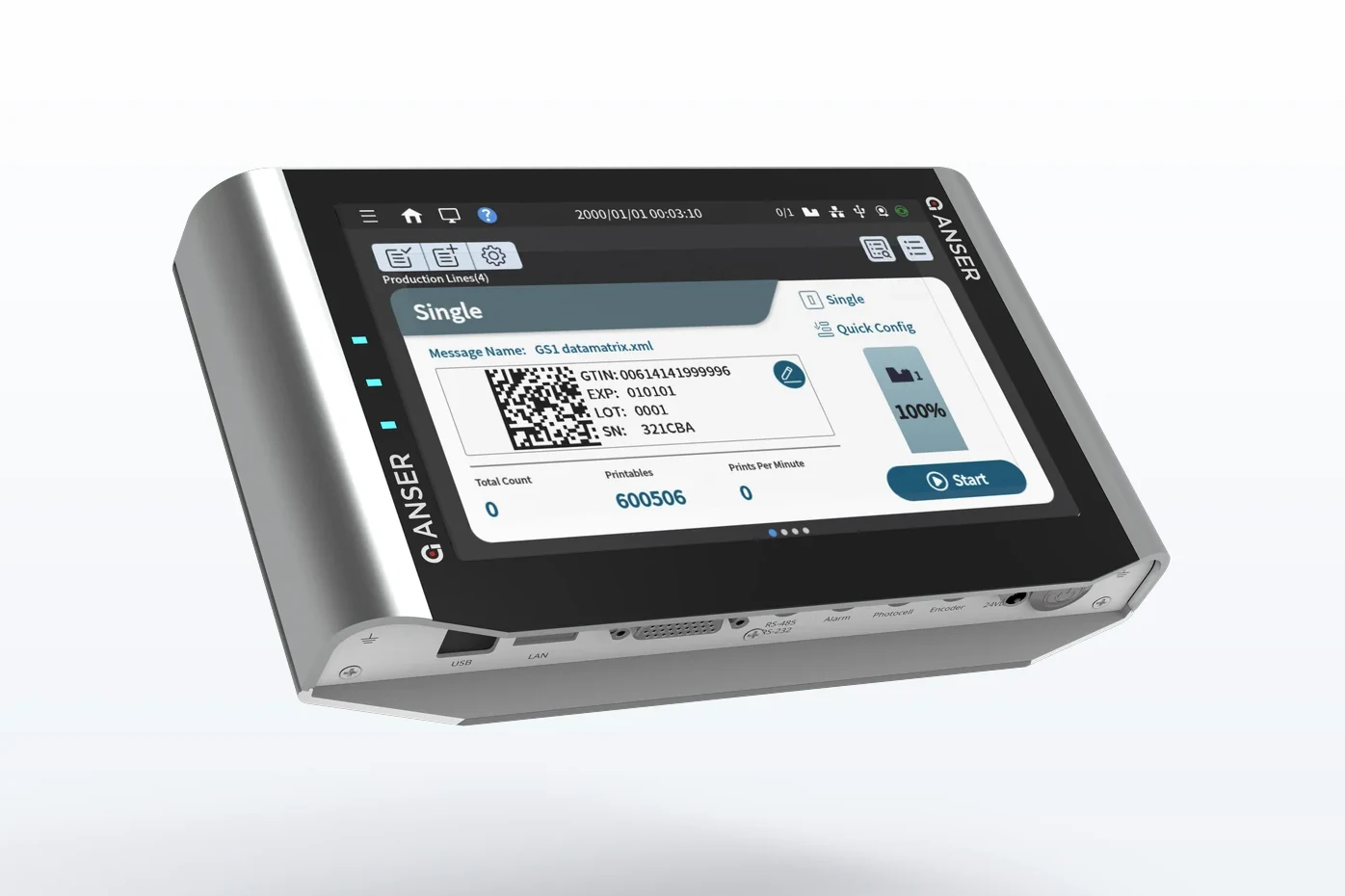
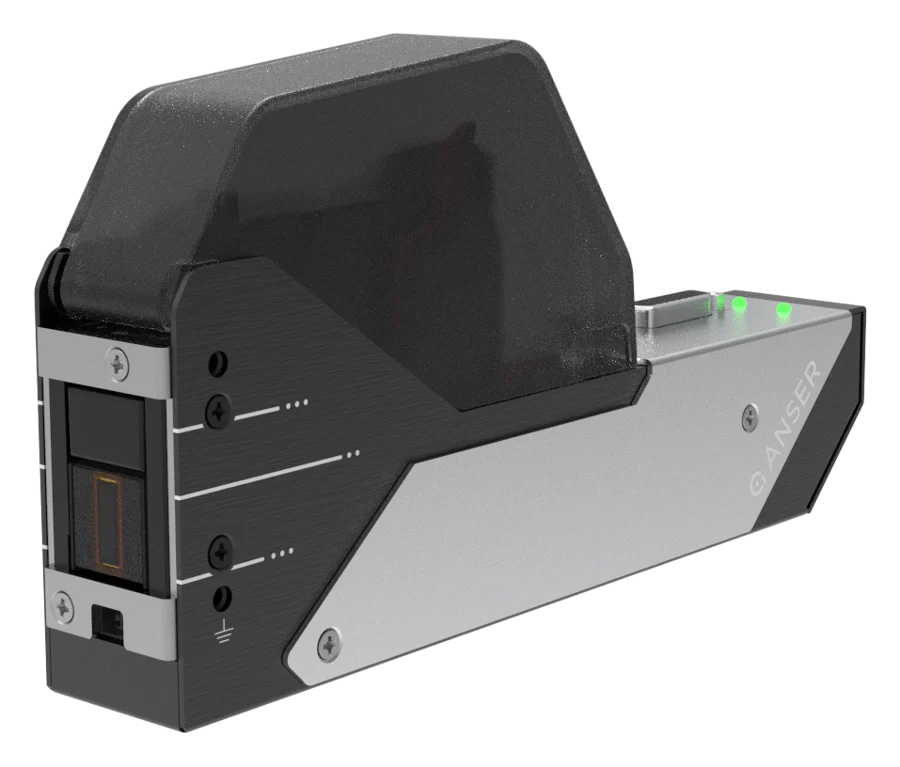
X1 Lite + T2 Standard
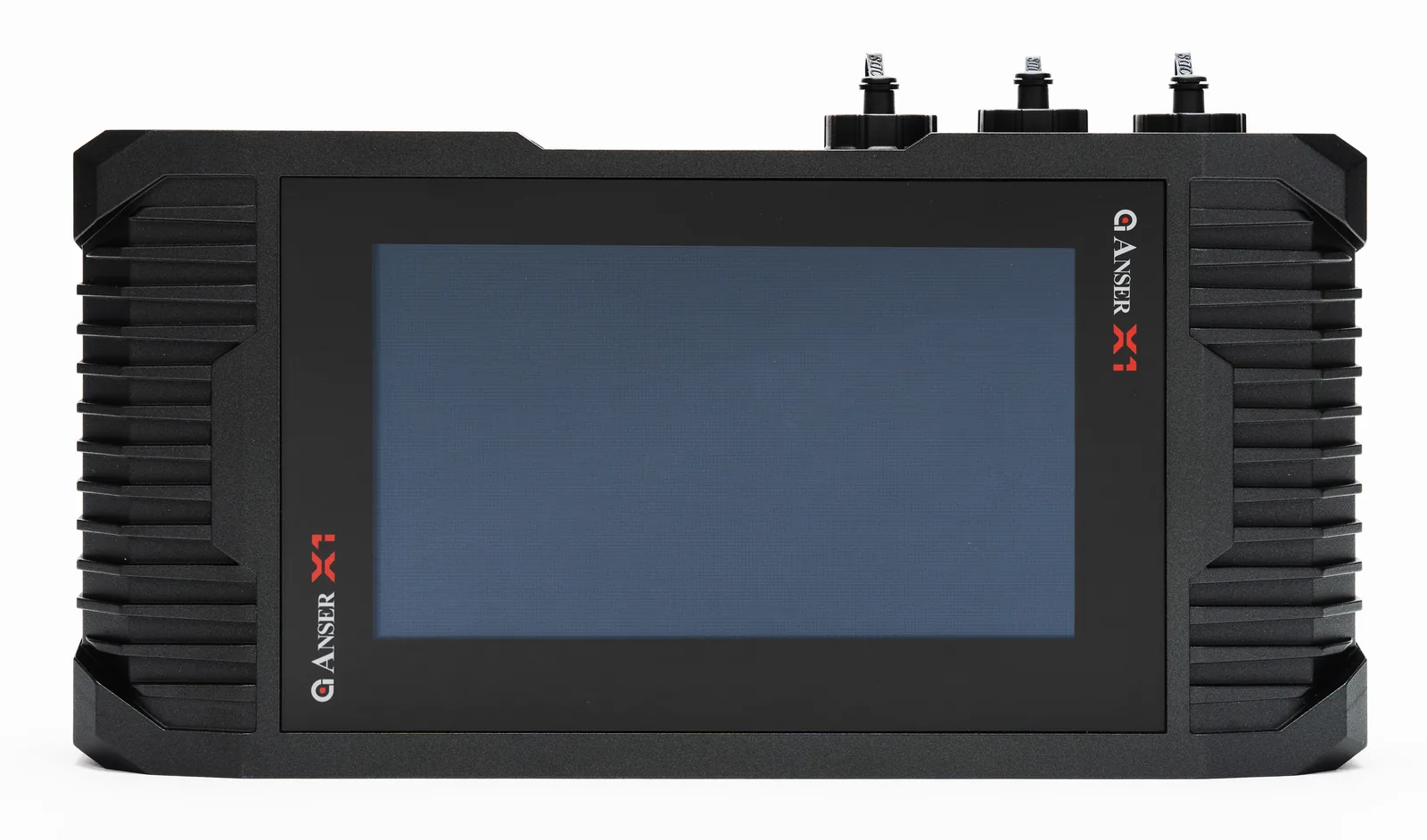
One line, everyday coding on plastic: ½" or 1" codes on a 7" touchscreen controller.
- Code height
- ½" or 1"
- Resolution and speed
- 600 × 600 dpi at ½" · 60 m/min at 300 dpi
- Screen
- 7" touchscreen at the operator station
A thermal inkjet coder with Odyssey solvent ink for dates, lot codes and barcodes that stay on bottles, tubs, films and foils.
Plastics are the opposite of cardboard. Corrugated board soaks ink up; HDPE bottles, PP tubs, PET containers, films and foils are sealed and non-porous, so there's nothing for the ink to soak into. A water-based drop beads up and wipes off before it sets. Coding plastic reliably starts with an ink that bonds to the surface instead.
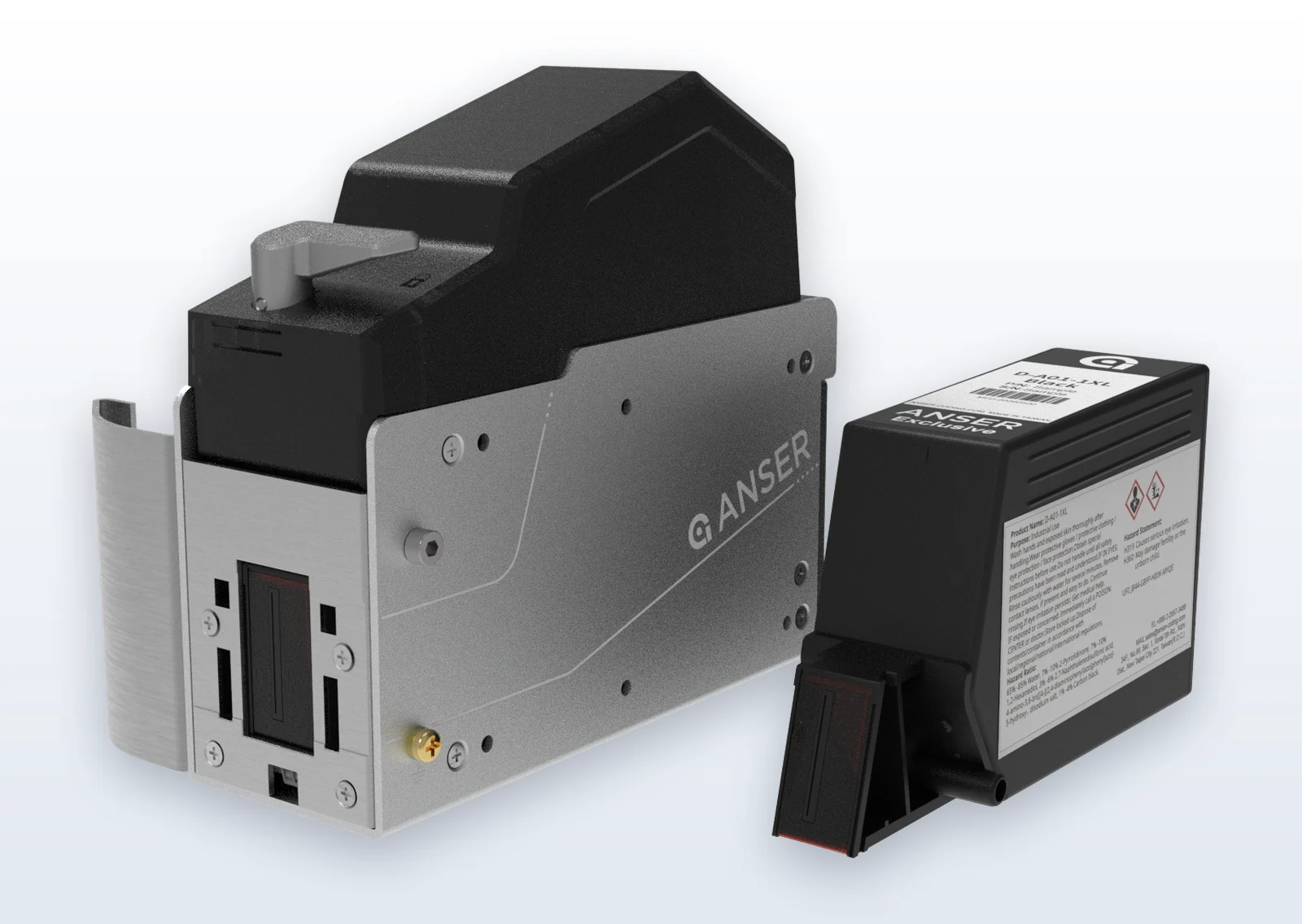
That's a solvent ink. Thermal inkjet runs Odyssey solvent ink from a sealed cartridge, so you get high-resolution dates, lot codes and barcodes on plastic with no make-up fluid and almost no scheduled maintenance.
Pre-set for this job: ½" codes, balanced cost. All of these run Odyssey solvent ink.
One line, everyday coding on plastic: ½" or 1" codes on a 7" touchscreen controller.
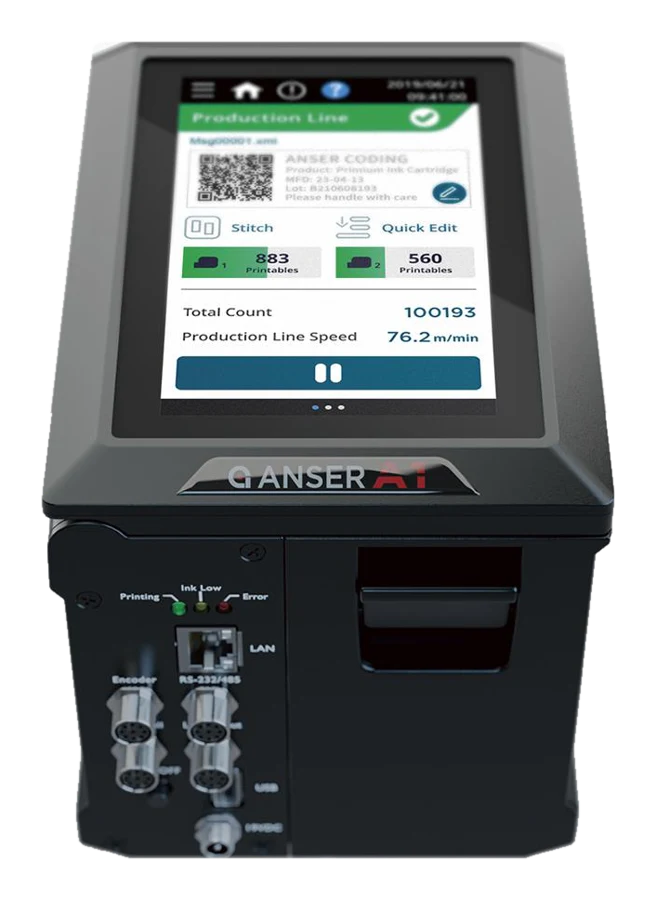
Everything in one unit with a 5" touchscreen; runs solvent cartridges at ½" or 1".
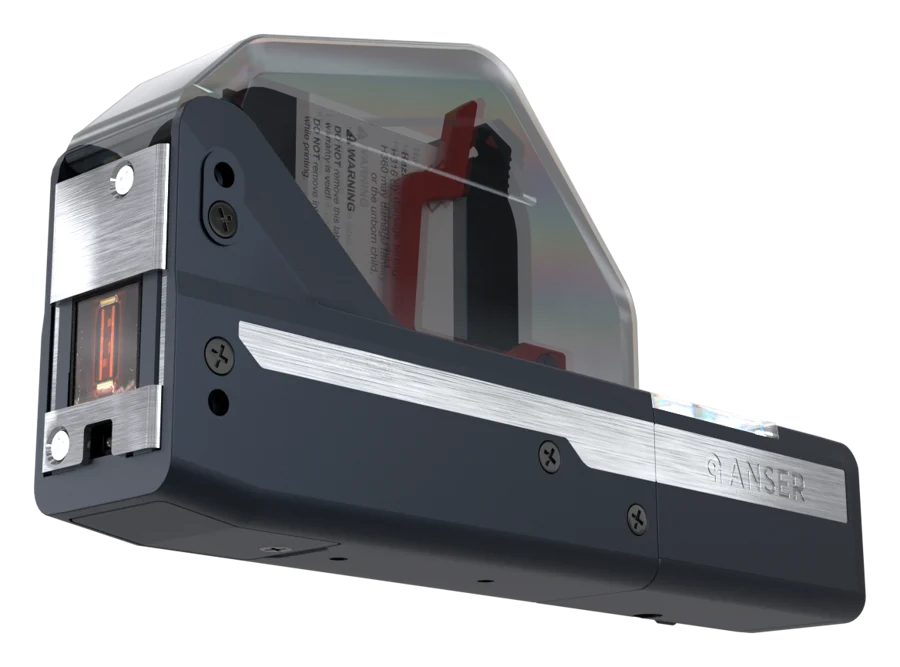
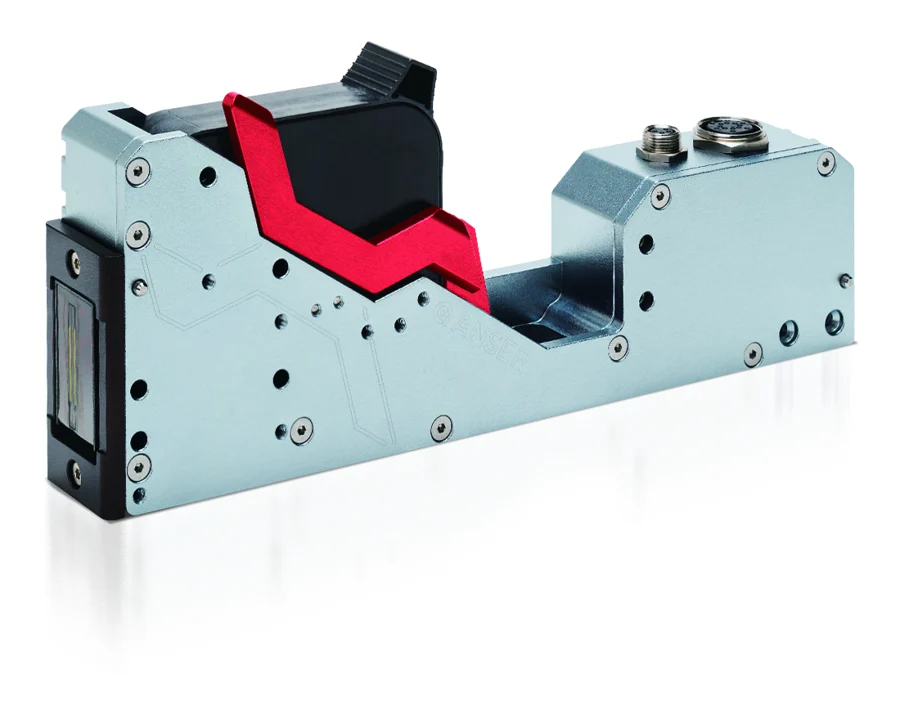
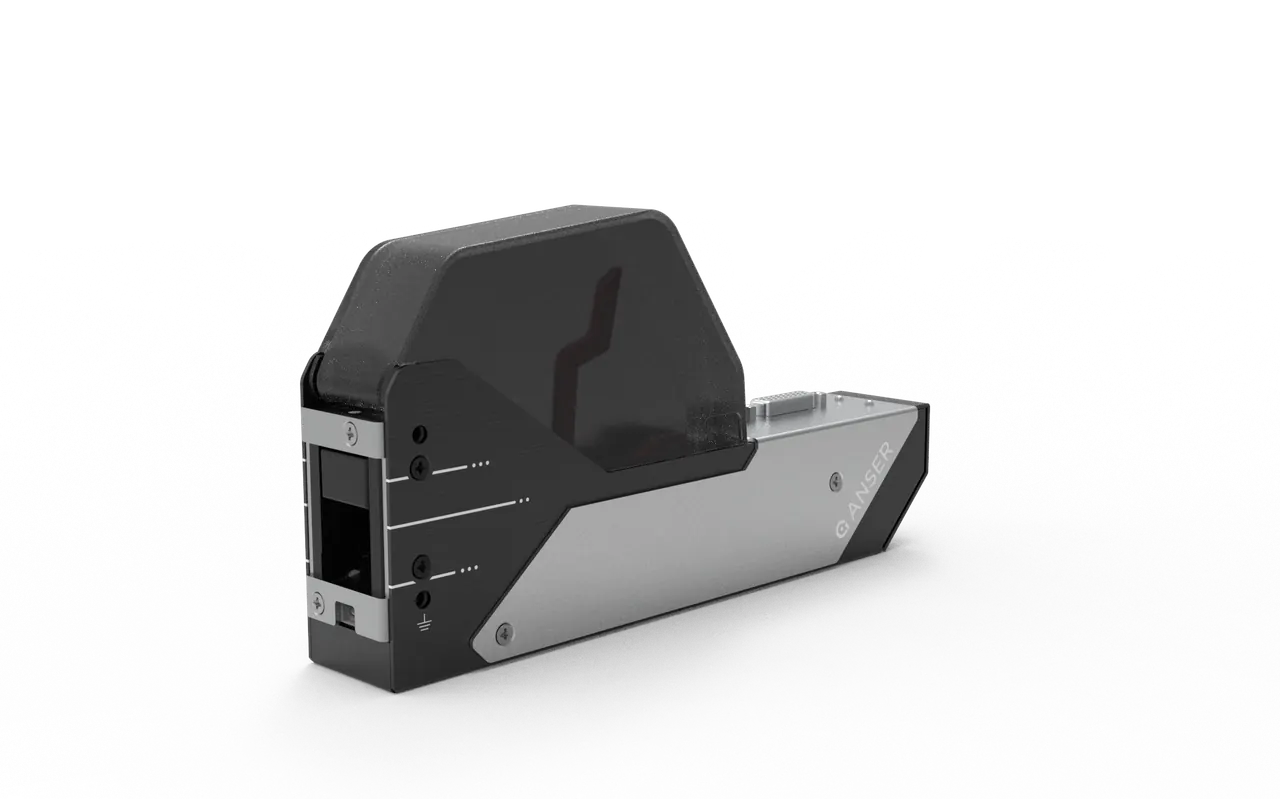
A ½" unit with no controller that builds into a packaging machine or onto a robot arm. Run it from a browser or the NexLink app (Android).
Wet bottling areas, two lines, or long runs.
We supply the Anser printers, the Odyssey inks and the on-site technical support behind them, and we work alongside your distributor, who handles the quote and local service. Plastic is where ink qualification matters most, so before you buy, we'll help you test the ink on your own bottles, tubs or film. Every Anser NexGen printer carries a 5-year warranty, honored by TPS.
Generally no. HDPE, PP and PET are non-porous, and untreated HDPE and PP also have low surface energy, so water-based ink beads up and rubs off. Use a solvent ink. If adhesion is still marginal on HDPE or PP, corona or flame treatment helps the ink anchor.
Yes, with a solvent ink. Thermal inkjet prints up to 6 mm from the surface and suits flat or gently curved areas, so guide the bottle past the head to keep the code area steady. Test on your real bottle: regrind and additives change how the ink holds.
Not always. PET, coated films and many foils take solvent ink well without treatment. Treatment is most useful on untreated HDPE or PP, where an adhesion test shows the code lifting.
Yes. Use a solvent ink, and run an encoder so the printer tracks the web speed and codes don't stretch or squash. The X1, X1 Lite and A1 take an encoder directly; the Smart Printhead takes one through the I/O Box.
It depends on the resolution. At 300 dpi, 60 m/min (about 197 ft/min); at 600 dpi, about 30 m/min. The "up to 300 m/min" figure you'll see for thermal inkjet is at 60 dpi, which is too coarse for a readable code.
We don't make food-contact claims for any ink. Whether an ink is suitable depends on the ink, the package and how it's used, and it's confirmed product by product. If you're coding food packaging, tell us the pack and we'll work through it with you.
Continuous inkjet has long been the default for films and plastics. Thermal inkjet now runs solvent inks from sealed cartridges, so it codes plastic at high resolution with no make-up fluid and almost no scheduled maintenance. We supply thermal inkjet, and we're happy to talk through where CIJ still fits.
A TPS coding specialist will contact you, then connect you with the right distributor.