
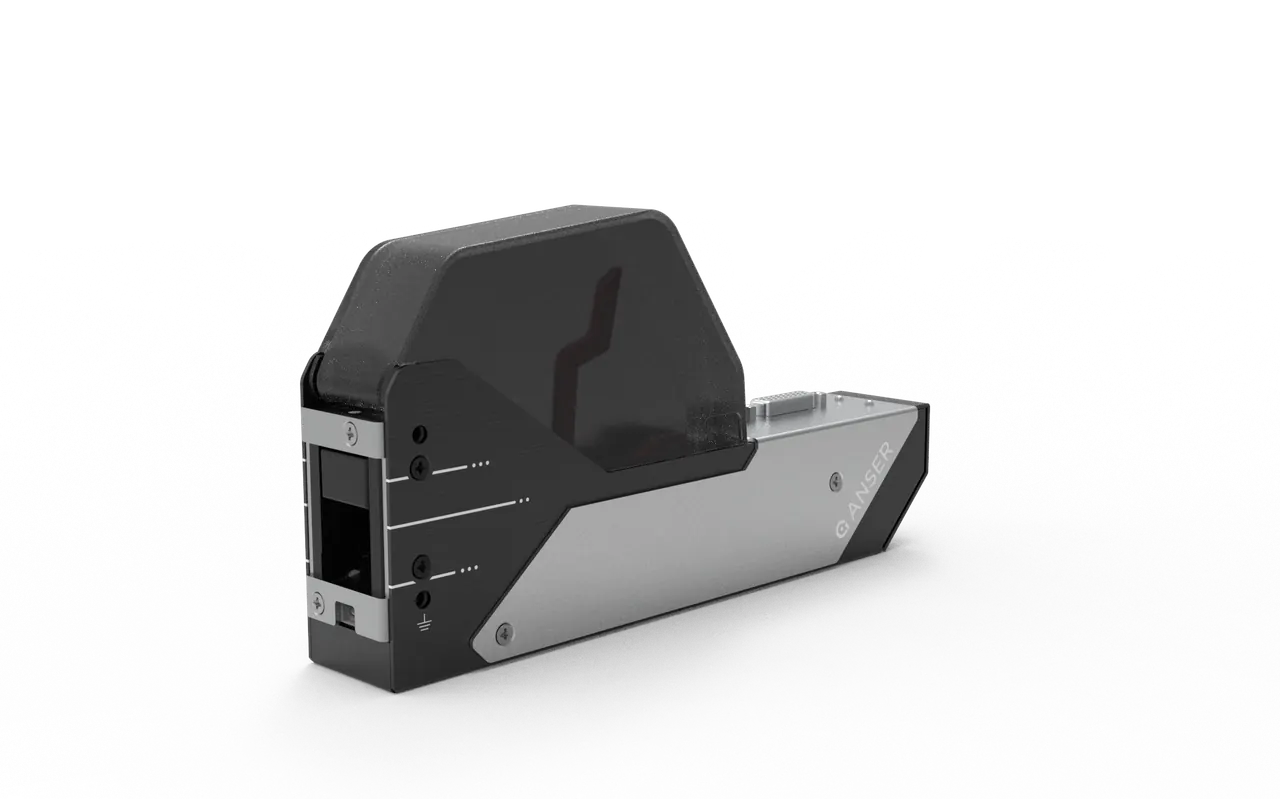
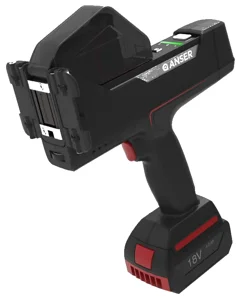
Anser A1 All-in-One TIJ Printer
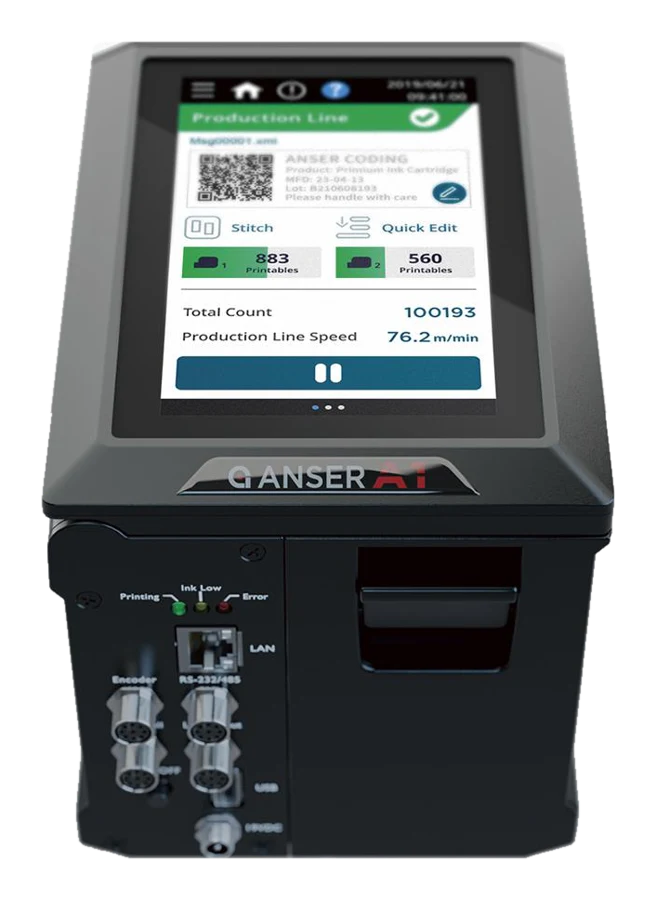
An all-in-one TIJ printer with a 5" touchscreen that works through most industrial gloves, and one or two built-in printheads. Nothing to mount separately.
- Operator screen
- 5" touchscreen built in
- Printheads
- 1 or 2 built in
- Code height
- ½" or 1"; 2" with two stitched
- 160 mL high-volume
- No
- Resolution and speed
- 600 dpi at ½"; 300 dpi at 1" · 60 m/min at 300 dpi
- Warranty
- 5-year printer warranty, honored by TPS
Supplied and supported by TPS, an Anser OEM partner, through qualified distributors.
Every option
Pick how you control it, the printhead and the Odyssey cartridge. Specs are below.
Built-in 5" touchscreenWorks through glovesOne head½" at 600 dpi or 1" at 300 dpi↔ Body: 4.9 in (125 mm) wide (unit)Two heads stitchedUp to 2" (50 mm)↔ Body: 4.9 in (125 mm) wide (unit)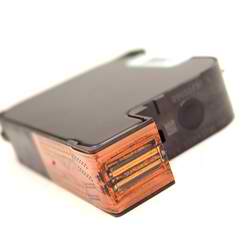
▸Specs
- Resolution
- 600 dpi at ½"; 300 dpi at 1"
- Speed
- 60 m/min at 300 dpi
- Throw distance
- 6 mm (0.24")
- Photoeye
- Built in
- Encoder
- Encoder port; sold separately
- Connectivity
- Ethernet, RS-232/485, USB; Modbus TCP & RTU
- Size, weight
- 6.4 × 4.9 × 5.4 in, 4.4 lb
- Operating temp.
- 0–40 °C (32–104 °F)
One unit, from setup to full-line coding
All-in-one, up to 2"
Integrated controller and printhead in a single unit — prints up to a full 2" message height, no separate controller box to wire.
5" industrial touch panel
A rugged on-board touchscreen for message editing and live production status, right at the line.
Simple 3-step setup
Guided setup gets a new job running fast, with easy day-to-day maintenance.
QuickSync line sync
Lead other NexGen printers from the A1: they print the same message and start and stop together.
Multi-DPI cost control
Multiple DPI settings fine-tune ink use to lower cost-per-print across your jobs.
Loftware NiceLabel driver
Design and send coding messages from NiceLabel label-design workflows. The driver covers every Anser NexGen printer.
Direct coding replaces labeling
Eco-friendly direct-to-product coding with support for customized fonts and languages.
Flexible printhead configurations
The A1 runs a single printhead at 0.5" or 1.0" print height, or a dual-head stitched configuration — 0.5" stitched for a ~1" (0.98") band, or 1.0" stitched for a full 2.0" message height. One platform scales from a single line of date/lot code to tall, high-impact marks.
It is part of the Anser NexGen ecosystem, so it shares the same cartridges and the same centralized management and remote-monitoring tools as the rest of the line — one workflow across your coding fleet.
What it codes
Best-by and expiration dates, lot and batch numbers, barcodes and 2D codes, counters, and logos — direct onto cartons, cases, and packaging across food & beverage, pharmaceutical, cosmetic, and industrial manufacturing.
Explore the Anser line
Spec it for your line
Tell us your product, substrate, message height, and line speed and we’ll configure the right A1 setup.
Contact usSee it in action
QuickSync — A1 all-in-one + Smart Printhead
The A1 all-in-one leading a Smart Printhead through QuickSync: the same message, started and stopped together.
Compare with
How the other NexGen systems differ from the A1.
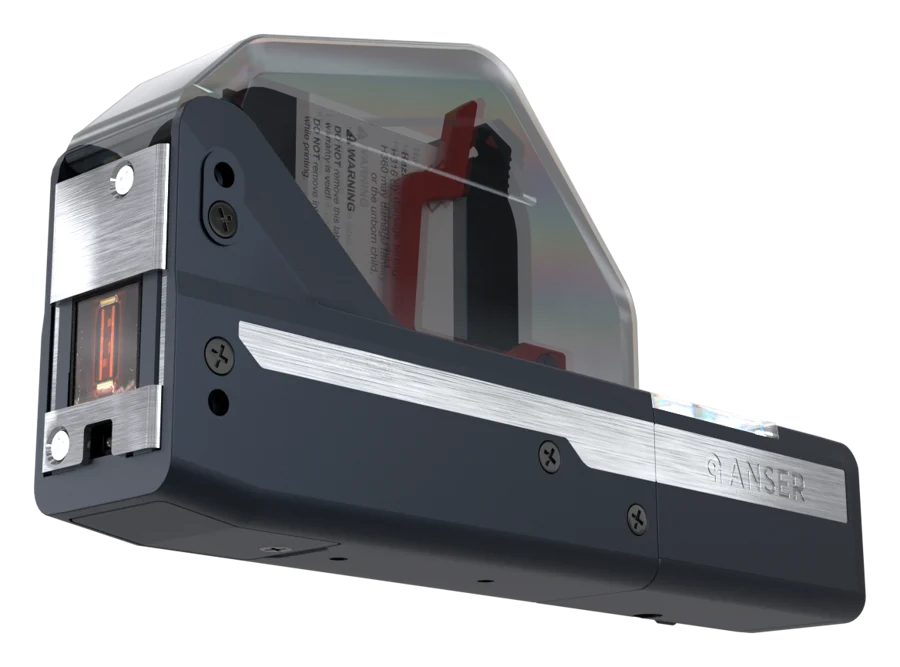 Smart PrintheadNo screen or controller; ½" units, 2" with four
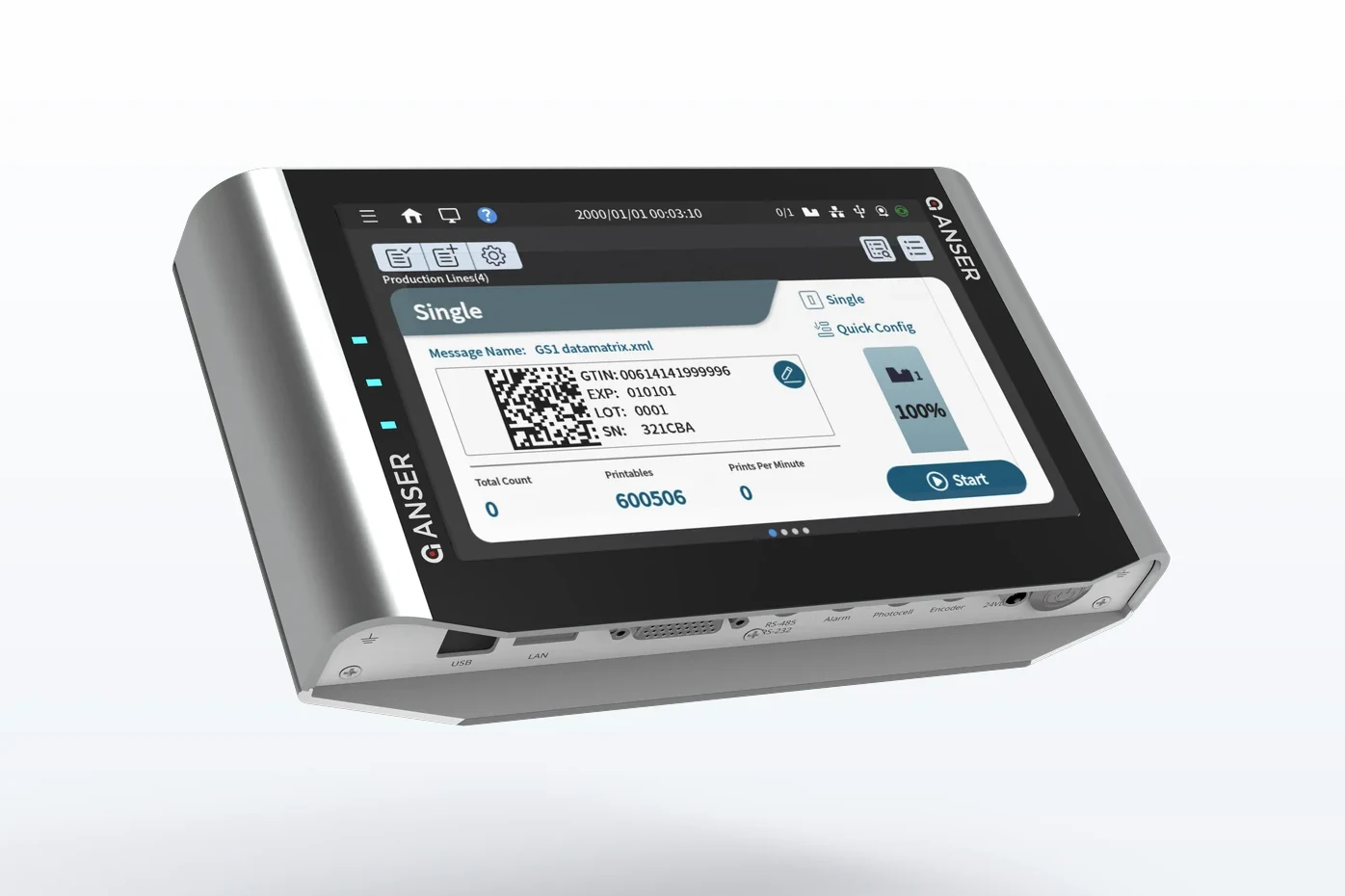 X1 LiteScreen at the operator station; 160 mL option
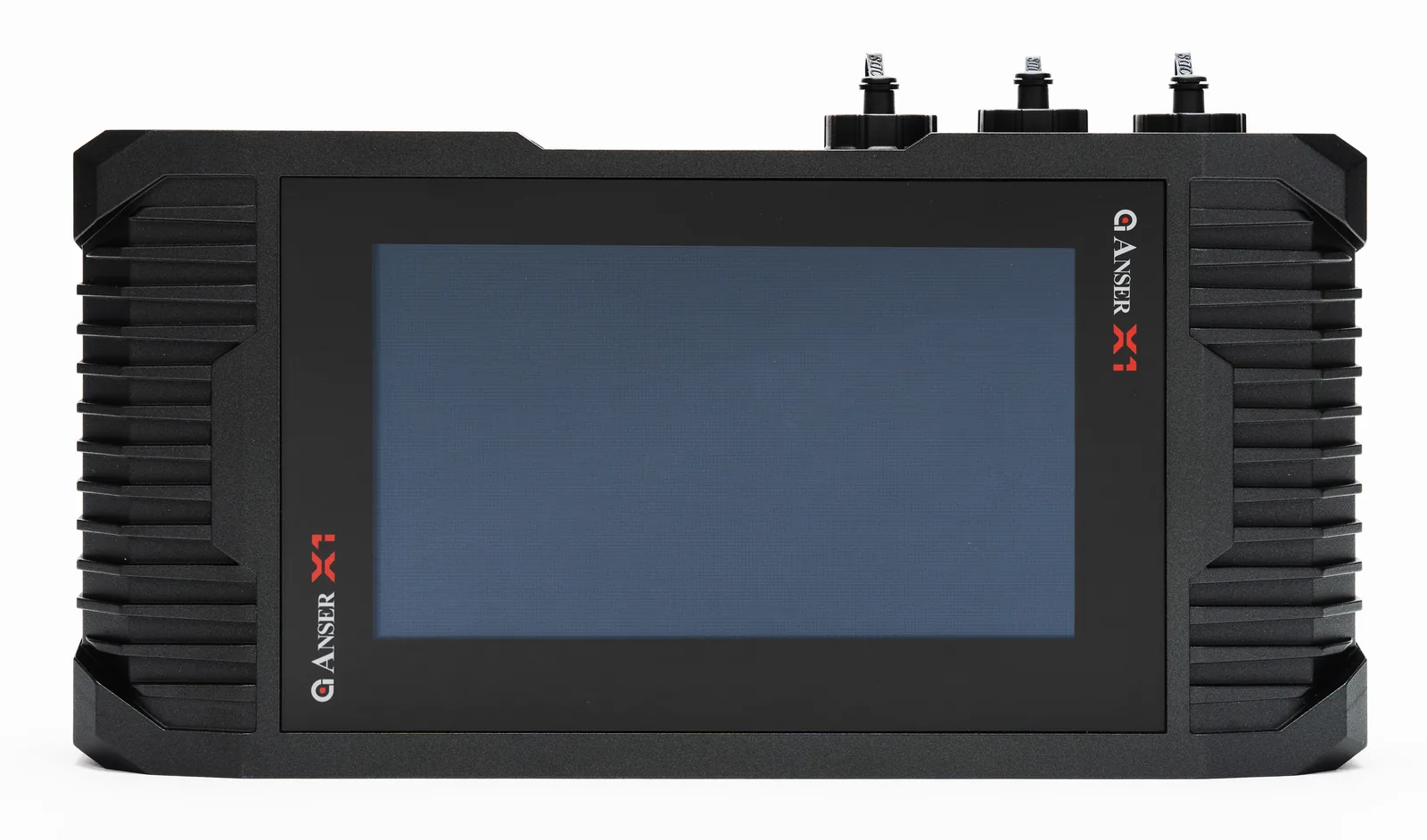 X1Two lines; IP66 controller housing; 160 mL option
Frequently asked questions
What is the Anser A1?
The Anser A1 is an all-in-one industrial thermal inkjet (TIJ) printer from the Anser NexGen line. It integrates the controller and printhead in a single unit and prints up to 2" high, with a 5" industrial touchscreen — designed to let direct product coding replace labeling on small and mid-size lines.
What print height and printhead configurations does the A1 support?
The A1 supports a single printhead at 0.5" or 1.0" print height, and dual-head stitched configurations: 0.5" stitched gives a ~1" (0.98") band and 1.0" stitched gives a full 2.0" message height.
How quickly can the A1 be set up?
The A1’s Smart Setup Assistant walks you through three steps: production line setting, print station setting and assigning the print message.
How does the A1 help reduce cost-per-print?
The A1 offers multiple DPI settings so you can fine-tune ink consumption to the job, and its direct-to-product coding removes the recurring cost of pre-printed labels.
How fast does the Anser A1 print, and at what resolution?
It depends on the cartridge and the resolution you run. On 0.5" cartridges the A1 reaches up to 600 dpi, and prints at 300 m/min at 60 dpi, 121 m/min at 150 dpi, or 61 m/min at 300 dpi — speed and resolution trade off against each other, so the right figure is the one at the dpi your code actually needs. On 1" cartridges it runs up to 300 dpi, and up to 150 m/min at reduced dpi — slower at 300 dpi. The A1 takes HP and IUT cartridges at 0.5", and IUT at 1". Tell us your line speed and code content and we will confirm the setting for your application.